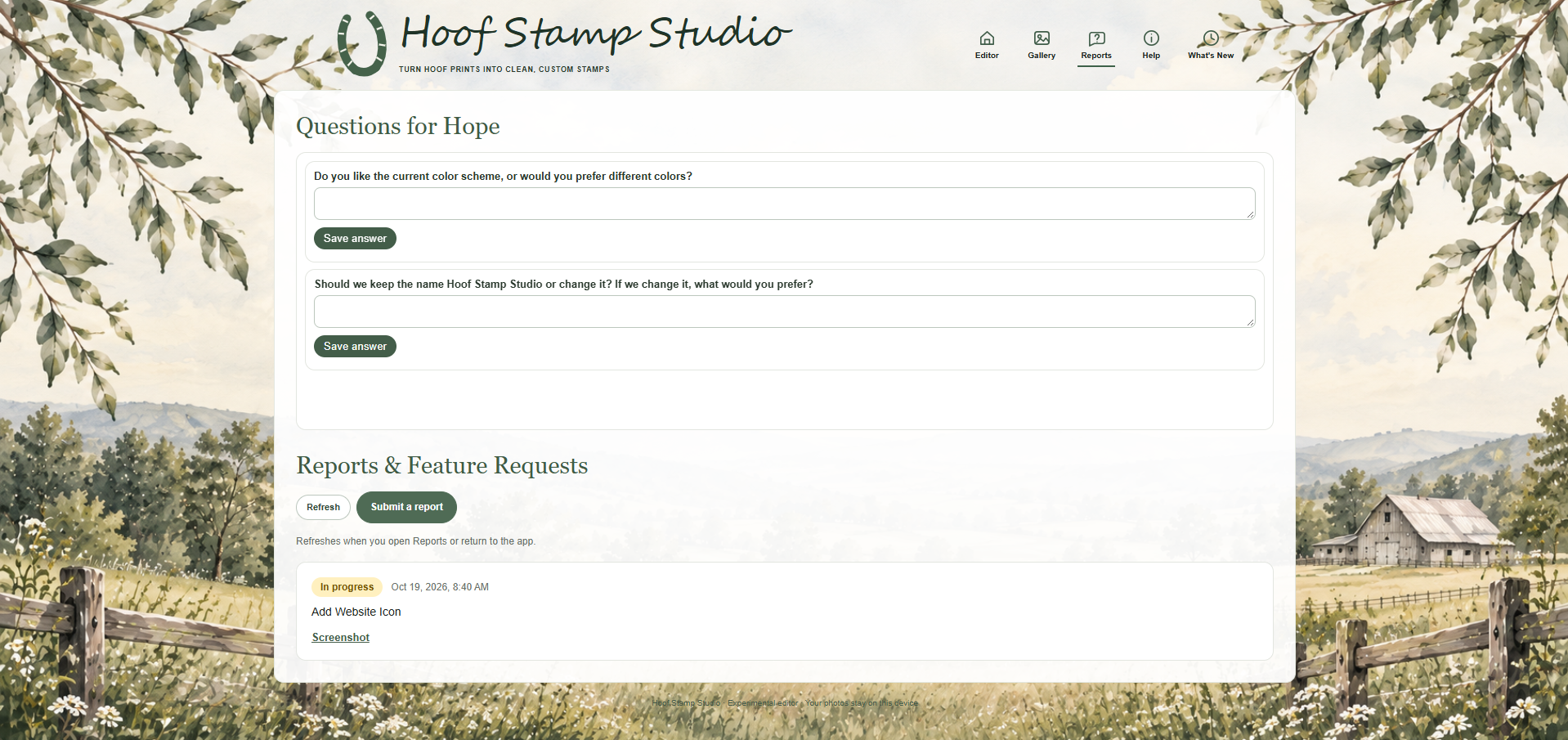
v0.1.2 — Reports, Questions & Website Icon
Status: Planned
- Added Reports section for requests.
- Added Questions section.
- Refreshing the page now reloads the active tab instead of redirecting to home.
- Added new website icon.
A saved-design gallery is planned for a future update. Your photos currently stay on your device.
Reports will load when you open this tab.
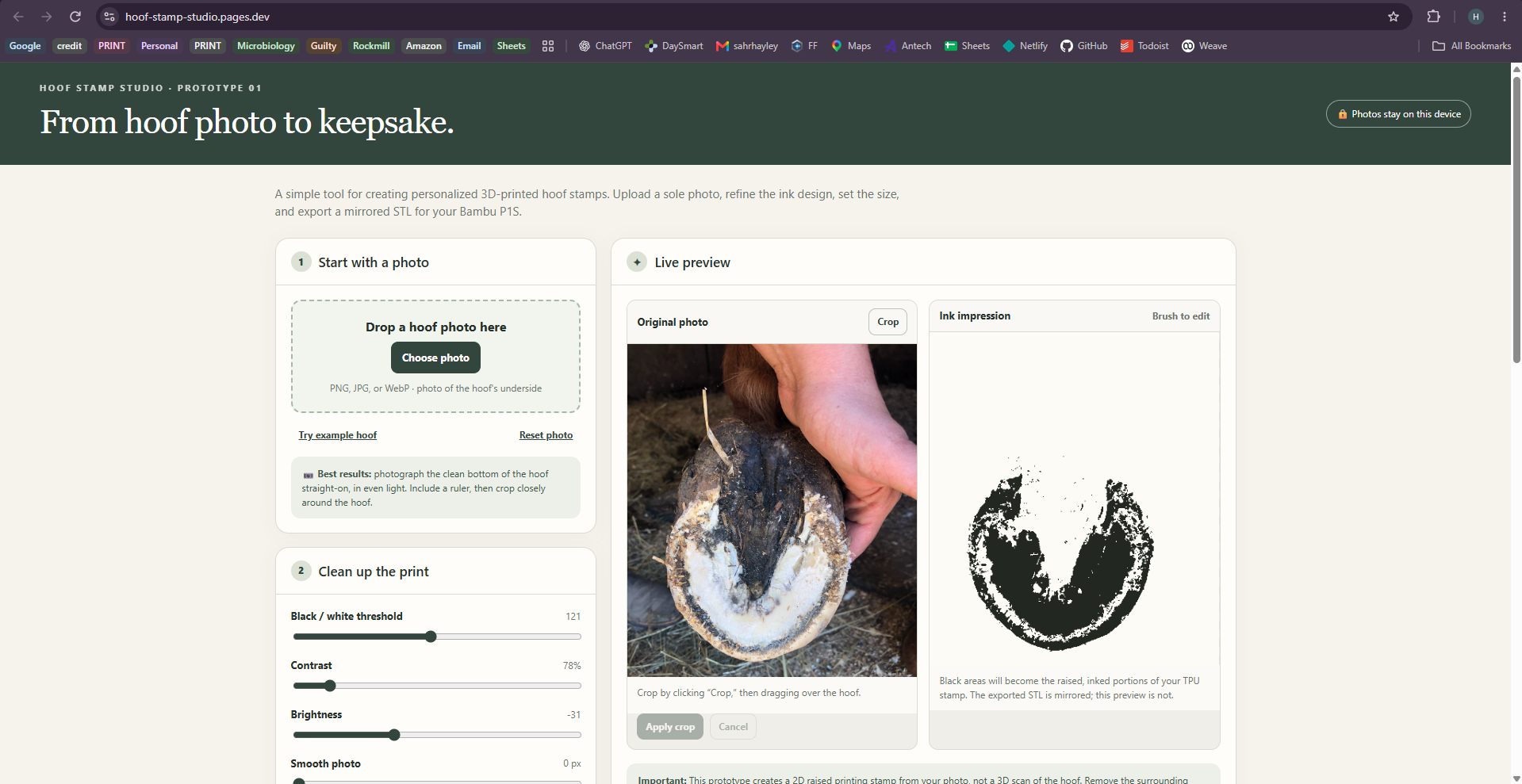
Choose a clear photo of your horse's hoof. Use the cropping tools to select the area you want to work with, then click Apply Crop.
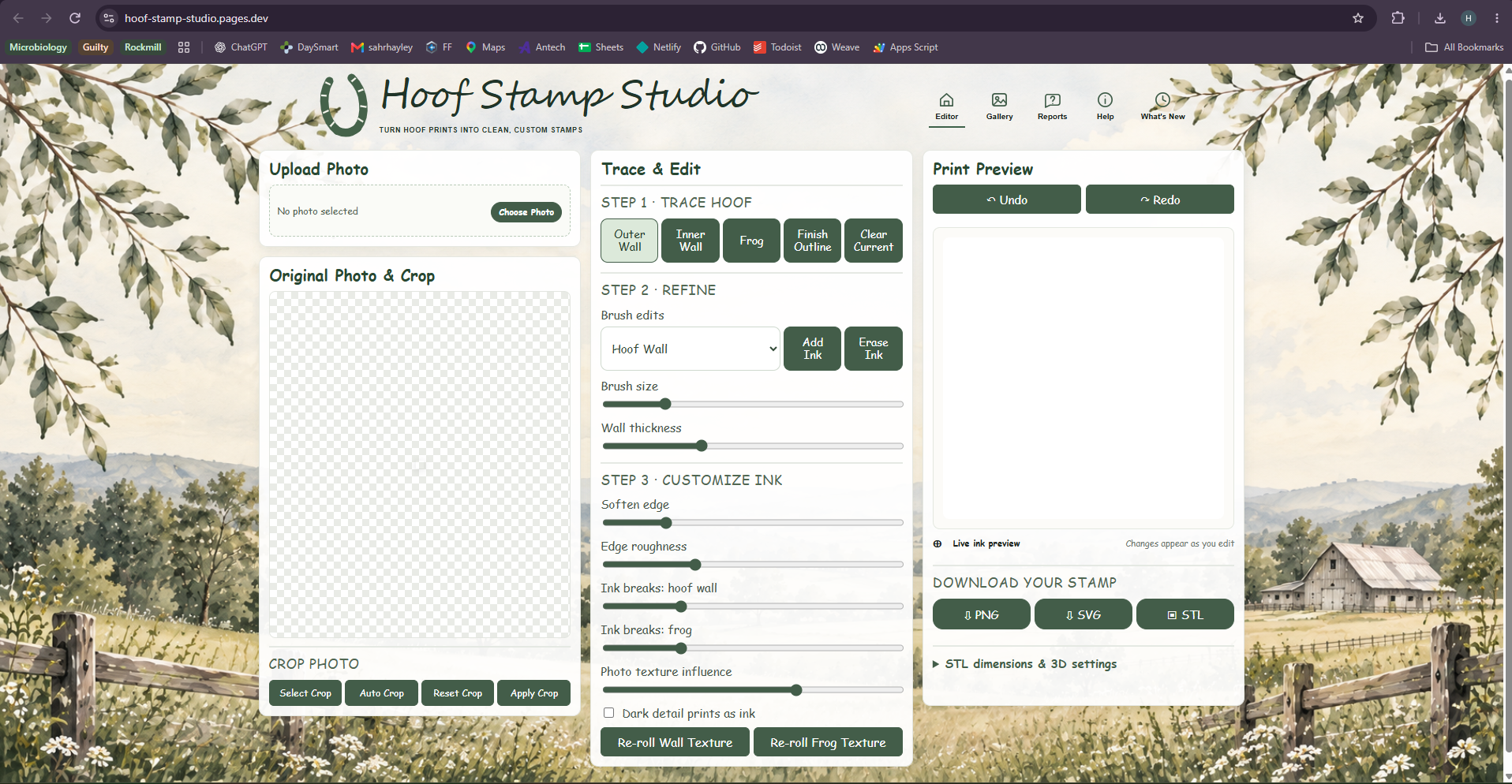
Select Outer Wall, Inner Wall, or Frog and trace each part of the hoof. Click Finish Outline when you've completed a section.
Use Add Ink and Erase Ink to make adjustments. Change the brush size for more precise editing.
Adjust the wall thickness and ink settings to get the appearance you want.
Check the Print Preview to see your finished design. Use Undo or Redo if you need to correct an edit.
Choose the format that works best for you:
Open your STL file in your preferred slicer, such as Bambu Studio, to check the dimensions and print settings before printing.
Status: Planned
Released: October 18, 2026 at 10:57 PM EDT
Status: Released
Released: October 17, 2026 at 5:14 PM EDT
Status: Released